
Elunvi Motion
Bring the character to life. Keep refining the frames.
AI Character Animation and Frame Editing
Organize your references and actions, generate with model-supported inputs, then adjust frame order and timing before moving into the next stage of production.
Windows x64 download available; macOS not yet available
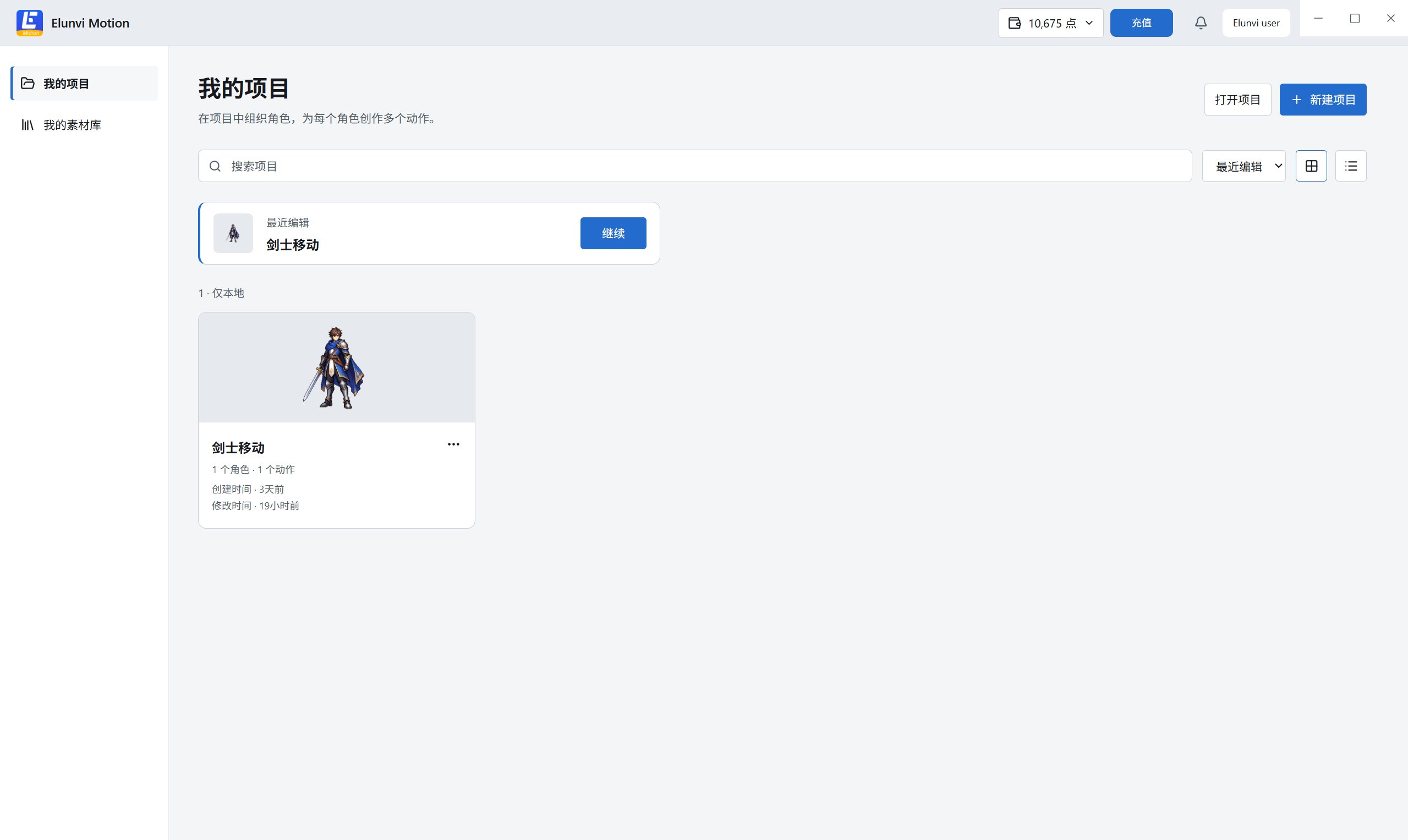
From character reference to animation assets
Use character and motion references with a supported model, convert a selected video into frames, adjust order, frame rate and timing, then export a PNG sequence with an optional sprite sheet.
Start with the character and action
Keep reference material with the relevant project, character and action. Follow the selected model's input requirements when generating.
Review motion and refine timing
Inspect the frame sequence, rearrange frames and adjust individual durations while checking playback.
Take the result further
Export PNG sequences and an optional sprite sheet with frame metadata. Check dimensions, ordering and playback settings when using the files in your project.
Who it is for Independent game developers, small game teams and character animators.
Choosing Motion
Can frame editing fix a distorted generated animation?
Reviewing, removing and reordering frames, and adjusting timing, can help refine the motion. Frame editing does not automatically correct every generation defect. Check character appearance, transitions and loop boundaries.
Do I need a motion reference video?
Not always. Supported combinations of images, text and reference videos depend on the selected model. Follow the input guidance in the application.
Can I export a transparent animation directly into Unity or Godot?
A transparent canvas does not automatically remove the source video's background. PNG sequences and sprite sheets are output formats. Check the background, dimensions, frame ordering and playback settings separately in your target engine.
Explore the animation workflowCan I start without a finished character image?
You can import an existing image or use AI image generation in Motion's asset selection flow. For broader character design, outfits and visual references, explore Canvas.
Explore Elunvi CanvasWhich computers are supported, and where can I find pricing?
A Windows x64 installer is available. A macOS installer is not currently offered. See the application for current subscription and model usage charges.
Elunvi Motion
Next step
Developed by Shineway Technology · 长沙欣慰科技有限责任公司